
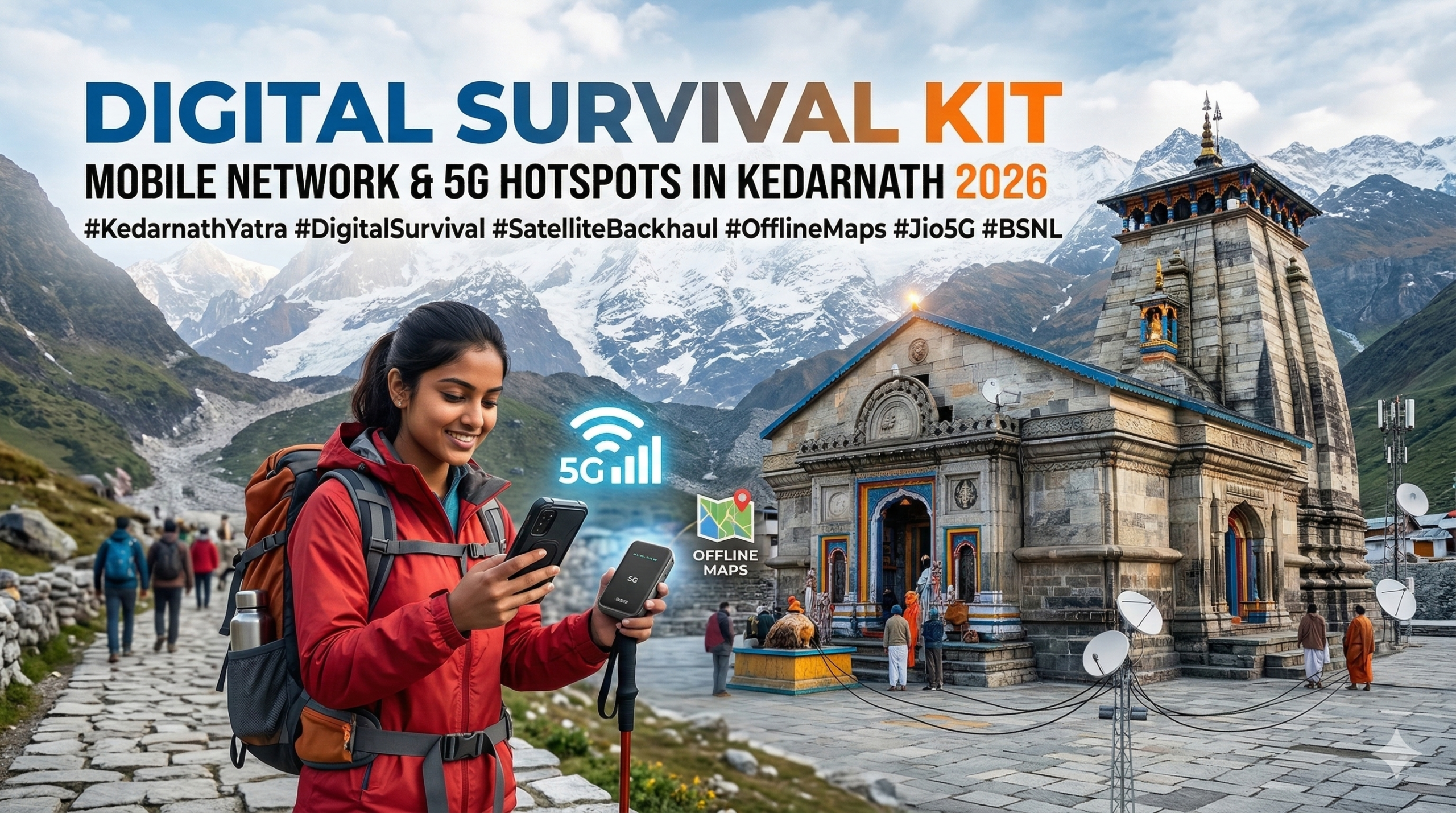
Surviving the digital void in the Himalayas is a challenge every modern pilgrim faces. In 2026, while we expect 5G in every corner of our cities, the path to Kedarnath at 11,000 ft remains a complex mix of cutting-edge satellite tech and complete “dead zones.”
1. The Mobile Network Landscape in Kedarnath (2026)
As of the 2026 Yatra season, mobile connectivity has seen a massive upgrade, but the laws of physics and high-altitude geography still apply. The government and private players like Jio and Airtel have worked to ensure that the “Base Camp” and the “Temple Area” are no longer digital deserts.
The Rise of Satellite Backhaul
Because laying fiber-optic cables on a shifting mountain is nearly impossible, most towers in Kedarnath now use Satellite Backhaul. This means the mobile tower at the top communicates directly with a satellite rather than a ground cable. While this provides 5G speeds near the shrine, it is highly sensitive to weather. Heavy clouds or snow can drop your “5G” speed down to 2G levels in seconds.
Read Also:- Fitness Training for Kedarnath: A 6-Week “Stair Climb” Plan
Operator Breakdown: Who Wins?
- Jio: Currently the leader in high-speed data. They have deployed “Small Cell” towers and 5G hotspots specifically for the 2026 season.
- BSNL: Still the “King of Voice.” If you need to make a phone call to home during a storm, BSNL’s terrestrial network is your most reliable bet.
- Airtel: Strong in base towns like Sonprayag and Guptkashi, but signal strength fluctuates significantly once you cross the 10 km mark on the trek.
2. Jio 5G Hotspots & High-Speed Zones
For the 2026 season, Reliance Jio has expanded its True 5G footprint. These are specific zones where you can actually stream video or upload your journey to social media.
Where to Find the Hotspots
You will find the strongest signals at:
- Kedarnath Temple Complex: High-capacity towers are placed just outside the main entrance.
- Helipad Zone: Since this is a high-traffic area, data speeds are prioritized here.
- Linchauli: This is the last major stop before the temple and serves as a vital communication hub.
The 2026 “No-Phone” Rule in the Sanctum
It is critical to note that while the network is strong, mobile phones are strictly banned inside the temple structure in 2026. Authorities have set up digital lockers and “cloakrooms” where you must deposit your phone before entering the inner sanctum. This move was made to manage the massive crowds (over 5 million expected) and maintain the spiritual sanctity of the shrine.+1
3. The “Black Zones”: Where Your Signal Will Die
The 16–18 km trek from Gaurikund to Kedarnath is not a straight line; it winds through deep valleys that block signals.
| Trek Point | Distance | Network Status | Best For |
| Sonprayag | 0 km | Excellent (Jio/Airtel/BSNL) | Last-minute downloads |
| Gaurikund | +6 km | Stable Voice, Patchy Data | Final “I’m starting” call |
| Bheembali | +4 km | BSNL Only (mostly) | Emergency SMS |
| Rambara | +3 km | Dead Zone | Photography only |
| Linchauli | +4 km | Jio 5G / BSNL 4G | Checking weather |
| Base Camp | +2 km | Strong 5G | Uploading photos |
Why Rambara is a “Digital Grave”
After the 2013 floods, the route was changed. The new path near Rambara is shielded by massive granite walls. No matter how many satellites are in the sky, the signal cannot penetrate these rocks. Do not rely on your phone for navigation or communication in this 3-4 km stretch.
4. Offline Survival: Google Maps & UPI
Since you will be moving through “Black Zones,” your phone needs to be prepared to work without a “brain” (the internet).
Downloading Offline Google Maps
Before you leave Sonprayag, open Google Maps and search for “Kedarnath.” Tap the three dots and select “Download Offline Map.” This allows your phone’s GPS (which doesn’t need a mobile signal) to show your exact location on the trail even when you have zero bars.
The UPI Problem
Many shops at Bheembali or Linchauli now accept UPI, but they often face “network timeouts.”
- The Workaround: Carry a BSNL SIM. Even if the data is slow, BSNL’s “ping” is often more stable for processing small payment packets.
- The Reality: Carry at least ₹5,000 in physical cash. ATMs in the mountains are notoriously unreliable or empty.
5. Pros, Cons, and Expert Review
Connectivity in the mountains is a double-edged sword.
The Digital Trade-off
| Pros | Cons |
| Emergency help via 5G hotspots | Battery drains 2x faster in cold/no-signal zones |
| Real-time weather alerts via SMS | High congestion during peak hours (10 AM – 4 PM) |
| Live tracking for family safety | Temptation to stay on social media vs. being present |
| Easy access to digital Yatra Registration | Risk of phone damage due to rain/snow |
Expert Review: The Telecom Engineer’s Take
“In 2026, we’ve solved the ‘capacity’ issue at the top, but the ‘route’ issue remains. My advice is to use a Postpaid SIM. During peak crowd hours, towers use ‘Traffic Prioritization.’ Postpaid users get first dibs on the bandwidth, while prepaid users are often dropped when the tower is overloaded. Also, keep your phone in Airplane Mode during the trek to save battery; your phone kills itself searching for a signal that isn’t there.” — Senior Infrastructure Consultant, Uttarakhand Telecom Circle
6. What to Do and What Not to Do
Follow these rules to ensure your “Digital Survival Kit” actually works when you need it.
What to Do (The Smart Pilgrim)
- Carry a 20,000 mAh Power Bank: Cold weather causes lithium batteries to drop voltage rapidly. Keep your power bank inside your jacket to keep it warm.
- Keep Paper Backups: Write down your hotel name, emergency contact numbers, and Yatra registration ID on a piece of paper. If your phone dies or breaks, your digital kit is useless.
- Use BSNL for Calling: If you are traveling in a group, ensure at least one person has a BSNL SIM for emergency coordination.
What Not to Do (The Digital Disaster)
- Don’t Live Stream on the Trek: It drains your battery and distracts you from the narrow trail. There are many “blind spots” where you might trip while looking at your screen.
- Don’t Rely on Free Wi-Fi: While there is free Wi-Fi near the shrine, it requires an OTP. If your SIM isn’t getting a signal, you can’t receive the OTP to log in.
- Don’t Forget a Waterproof Pouch: Kedarnath weather changes in minutes. A simple Ziploc bag can save your ₹1,00,000 phone from a sudden Himalayan downpour.
Read Also:- Kedarnath Pony & Palki Rates 2026: Revised Govt Charges
