
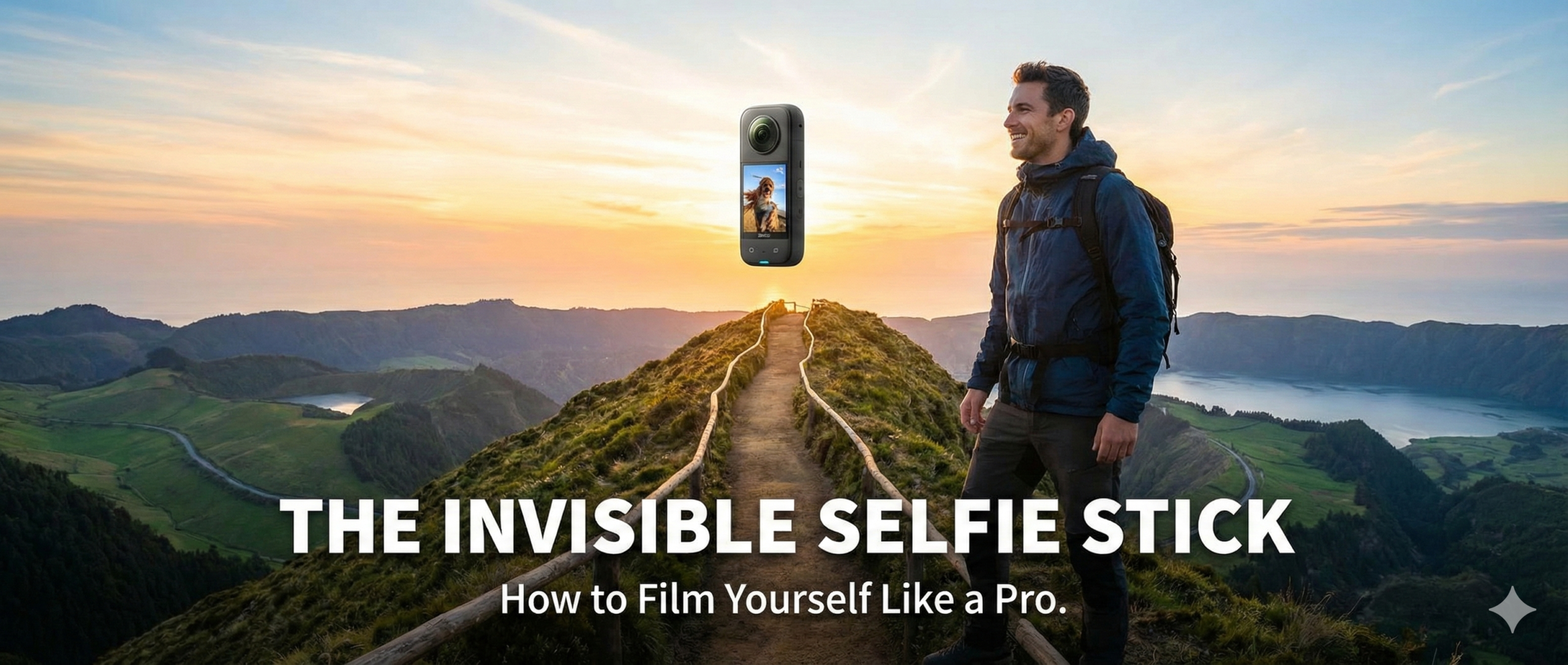
Imagine filming a travel vlog where the camera seems to be floating in mid-air, following you like a loyal pet drone. You look at the footage, and there is no cameraman, no drone noise, and shockingly—no selfie stick in your hand.
This isn’t magic; it is the standard for travel content creators in 2026. It is called the Invisible Selfie Stick effect, and it has revolutionized how solo travelers film themselves.
Gone are the days of awkward, shaky footage where half the screen is blocked by a black pole. Today, with the right gear and a few simple tricks, you can create cinematic, third-person perspective videos that look like a Netflix documentary.
In this blog, we will break down exactly how this technology works, which gear you need in 2026, and the expert techniques to film yourself like a pro.
Also Read:- The Only 3 Cables You Need to Pack for International Travel
1. The Magic Trick: How Does It Disappear?
You might think the stick uses some advanced green-screen technology, but the answer is actually simple physics and clever software.
The “Invisible” effect works exclusively with 360-degree cameras (like the Insta360 X4 or GoPro Max). These cameras have two lenses—one on the front and one on the back. Each lens captures a super-wide 200-degree view.
Because both lenses capture more than 180 degrees, their fields of view overlap. The camera’s software stitches these two images together to create a full 360-degree sphere.
The Blind Spot:
There is a tiny “blind spot” right between the two lenses where the stitching happens. The selfie stick is designed to be thinner than the width of the camera. When you attach the stick, it sits perfectly inside this blind spot. The software simply ignores that thin strip of space where the stick is, effectively erasing it from the final video.
Why regular cameras can’t do this:
If you use a regular action camera (like a standard GoPro Hero 13) or your iPhone, the stick will always be visible because these devices only have one lens looking forward. They cannot “see behind” the stick to erase it.
Quick Tech Summary
| Feature | 360 Camera (Invisible Stick) | Standard Camera (Visible Stick) |
| Lenses | Dual Lenses (Front & Back) | Single Lens |
| Field of View | 360 Degrees (Everything) | 90 – 150 Degrees (Front only) |
| Stick Visibility | Invisible (Auto-erased) | Visible (Blocky black pole) |
| Framing | Shoot first, Point later | Must point at subject |
Pros and Cons of this Tech
- Pros:
- Hands-Free Look: Looks like someone else is filming you.
- Immersive: You can see the scenery all around you.
- Reframing: You can choose the angle after you finish filming.
- Cons:
- Fragile Lenses: The protruding lenses are easy to scratch.
- File Size: 360-degree video files (especially 8K) are huge.
Expert Review:
“The invisible stick is the single greatest invention for solo travelers. It removes the ‘lonely tourist’ vibe from your videos and makes them look like a high-budget production. Just remember: it only works if the stick is perfectly straight!”
2. Best Gear for 2026: What to Buy
To get this effect, you need two things: a 360-degree camera and a compatible stick. In 2026, the market is dominated by a few key players.
The Insta360 X4 is currently the king of this hill. Released recently, it offers 8K resolution, which is a massive upgrade over the older 5.7K models. This extra resolution means when you crop into the video to create a flat “vlog” style clip, the quality remains sharp (around 4K).
The stick matters too. You cannot just use any old selfie pole. You need a stick that is thinner than the camera and perfectly straight. The “Extended Edition” sticks (which go up to 3 meters/10 feet) are popular for fake drone shots.
Top Product Recommendations (2026 Edition)
| Product | Best For | Key Feature | Price Estimate |
| Insta360 X4 | The Best Overall | 8K Resolution, Removable Lens Guards | ~$500 |
| Insta360 X3 | Budget Choice | 5.7K Resolution, Great Touchscreen | ~$350 |
| GoPro Max 2 | Action Lovers | Rugged, excellent audio (check availability) | ~$450 |
| Invisible Stick (114cm) | Daily Vlogging | Standard length, lightweight | ~$25 |
| Extended Stick (3m) | Fake Drone Shots | Extends 10 feet long, carbon fiber | ~$80 |
Where to Buy (Direct Links)
- Insta360 X4 Camera: Check Price on Amazon | Official Store
- Insta360 X3 Camera: Check Price on Amazon
- Standard Invisible Selfie Stick (114cm): Check Price on Amazon
- Extended Edition Stick (3 Meters): Check Price on Amazon
(Note: Always check for “Bundle” deals that include the stick with the camera to save money.)
Expert Review:
“If you have the budget, get the X4. The 8K resolution is future-proof. If you are just posting on Instagram/TikTok, the older X3 is still fantastic and cheaper. Avoid cheap knock-off sticks; they often bend, which ruins the invisible effect.”
3. The “Fake Drone” Shot: Aerial Views Without the Hassle
One of the most popular uses of the invisible selfie stick is the “Fake Drone” shot. This is perfect for places where drones are illegal (like National Parks, busy cities, or near airports).
How to do it:
- Use the Extended Stick: You need the 3-meter (10ft) stick for this.
- Extend Fully: Pull the stick out to its maximum length.
- Hold it High: Rest the handle on your hip for stability and angle the stick up and away from you.
- Walk Smoothly: Walk through a scenic area (like a forest path or a bridge).
The Result:
Because the stick is so long and invisible, the camera looks like it is flying 10 feet above you. It captures the entire landscape and you in the center.
Pro Tip:
Don’t just hold it behind you. Move it slowly from left to right as you walk. This “sweeping” motion mimics the movement of a cinematic drone orbit.
Pros and Cons
- Pros:
- Legal: You can “fly” anywhere, even in No-Drone zones.
- Quiet: No buzzing noise to annoy other tourists.
- Fast: No setup time; just extend and shoot.
- Cons:
- Heavy: A 3-meter stick gets heavy after 5 minutes.
- Wobbly: In high winds, the long stick can shake, making footage jittery.
Expert Review:
“The fake drone shot is a crowd-pleaser. To make it look real, don’t look at the camera. Look at the horizon. If you stare at the lens, it breaks the illusion that a ‘drone’ is filming you candidly.”
4. The Third-Person Perspective (Video Game View)
Have you ever played a video game like Grand Theft Auto or Zelda, where the camera floats behind the character’s back? You can recreate this in real life. This is the best way to film walking tours or “talk-to-camera” segments while showing the world ahead of you.
How to do it:
- Mount the Camera: Ensure the camera is straight and parallel with the stick.
- Position: Hold the stick in one hand, extending it over your shoulder or behind your back.
- The “Backpack” Trick: For a truly hands-free experience, you can buy a special “mount” that clips the stick to your belt or backpack. This keeps the camera floating behind you while both your hands are free.
Why this works for storytelling:
It places the viewer in your shoes. They see you walking, they see what you see, and they feel like they are on the journey with you. It is much more engaging than a standard “face-only” selfie video.
Quick Setup Guide
| Shot Type | Stick Position | Best For |
| The “GTA” View | Extended behind back, high angle | Walking tours, running |
| The Shoulder Cam | Rest handle on shoulder, camera behind | Vlog narration |
| The Low Mode | Hold stick low near ground | Walking on beach/grass (shows footsteps) |
Pros and Cons
- Pros:
- Storytelling: excellent for showing the environment + the traveler.
- Stability: Holding the stick against your body/shoulder makes footage very stable.
- Cons:
- Awkwardness: You will look strange walking around with a stick behind you.
- Safety: Be careful not to hit people behind you with the camera!
Expert Review:
“The ‘GTA View’ is my go-to for hiking videos. Use the backpack mount if you can. It allows you to use your hands for climbing or holding a water bottle, and the footage looks incredibly stable.”
5. Mistakes to Avoid (The “Stitch Line” Problem)
While the tech is amazing, it isn’t perfect. If you don’t use it correctly, the illusion breaks. The most common error is the Stitch Line glitch.
The Rule of the Edge:
The camera stitches images at the side edges. If you or an object passes through this “seam” too closely, it will get cut in half or look warped.
Mistake 1: Angling the Camera
If you bend the camera so it is at a 90-degree angle to the stick (like a “T” shape), the stick will become visible.
- Fix: Always keep the camera and stick in a straight line (like an “I” shape).
Mistake 2: The Shadow
The stick is invisible, but its shadow is not. If you are filming on a sunny day, you might see a shadow of a floating camera and a stick on the ground.
- Fix: Try to position yourself so your body shadow covers the stick’s shadow. Or, film during “Golden Hour” (sunrise/sunset) when shadows are softer.
Mistake 3: Dirty Lenses
Because the lenses bulge out (fisheye), they catch fingerprints and dust easily. A smudge on one lens will make the stitching look terrible.
- Fix: Always carry a microfiber cloth. Wipe the lenses before every single shot.
Troubleshooting Table
| Issue | Cause | Solution |
| Stick is visible | Camera is bent/angled | Straighten the camera to align with the stick. |
| Warpped Face | You are too close to the “side” | Face the FRONT lens, not the side edge. |
| Foggy/Blurry image | Fingerprints on lens | Wipe lens with microfiber cloth. |
| Jittery Footage | Low light (Shutter speed) | 360 cameras struggle in the dark. Walk slower. |
Expert Review:
“Lighting is the enemy of 360 cameras. They have small sensors. In bright daylight, they are unbeatable. At night, the footage can get grainy. Plan your shoots for daytime for the best ‘invisible’ results.”
Also Read:- 10 Flight Essentials That Make Economy Feel Like First Class
Final Thoughts: Should You Buy One?
The Invisible Selfie Stick is not just a gimmick; it is a powerful filmmaking tool. In 2026, content is all about immersion. Viewers want to feel like they are there.
If you are a solo traveler, a vlogger, or just someone who wants better family vacation videos without asking strangers to take your photo, this setup is a game-changer. It allows you to be the director, the cameraman, and the star all at once.
Ready to start filming?
- For the Pro: Go for the Insta360 X4 + 3m Extended Stick.
- For the Beginner: Grab the Insta360 X3 + Standard Stick.
Stop hiding behind the camera. It’s time to put yourself in the movie.
Happy Filming!
