
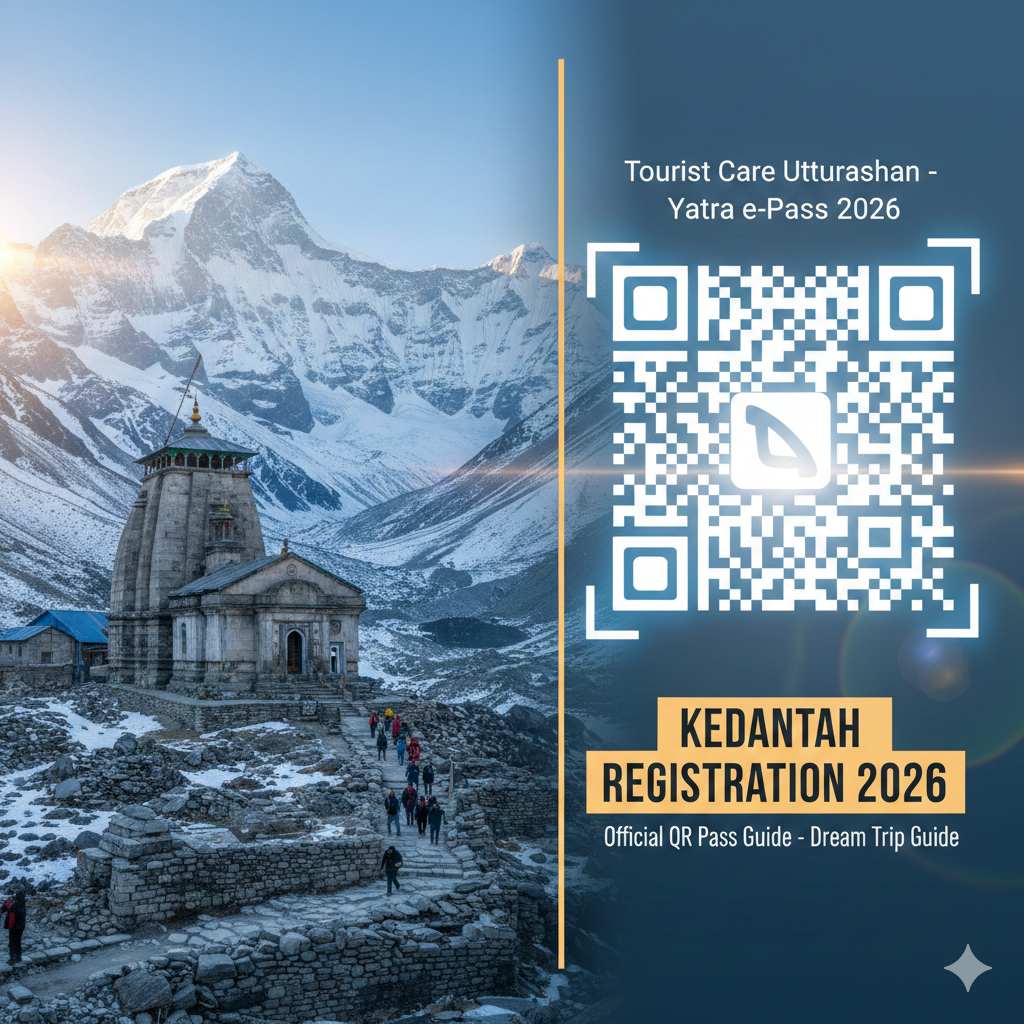
Planning a journey to the “Abode of Lord Shiva” is a soul-stirring experience, but for the 2026 season, your faith needs to be paired with a bit of “digital devotion.” The Uttarakhand government has made Kedarnath registration 2026 mandatory for every single pilgrim. Without your official QR Pass, you won’t be allowed to move past the Sonprayag checkpoint.
This guide will walk you through the entire process, ensuring your “Dream Trip” is as smooth as a Himalayan breeze.
1. The Gateway to Kedarnath: Understanding the 2026 Registration Process
The registration process is designed to prevent overcrowding and ensure pilgrim safety. For 2026, the Kedarnath opening date is April 22, and the registration portal is expected to go live in early March 2026.
Why is the QR Pass Mandatory?
The QR Pass is your digital identity. It contains your travel dates, health status, and emergency contact info. In 2026, the government is strictly enforcing daily limits. Once the limit for a specific day is reached, the portal will block further registrations for that date. This is why booking early is no longer an option—it’s a necessity.
Key Registration Methods
You have four main ways to register for the 2026 season:
- Web Portal: The most popular method via the official website.
- Mobile App: “Tourist Care Uttarakhand” (Available on Android/iOS).
- WhatsApp: Send “Yatra” to +91-8394833833.
- Offline Centers: Biometric kiosks at Haridwar and Rishikesh (expect long queues).
2026 Registration Fast Facts
| Feature | Details |
| Official Portal | registrationandtouristcare.uk.gov.in |
| Registration Fee | ₹0 (Completely Free) |
| Mandatory Document | Aadhaar Card (For Indians) / Passport (For Foreigners) |
| Daily Limit | Approx. 13,000 to 15,000 pilgrims per day |
| QR Code Utility | Scanned at Sonprayag, Linchauli, and Temple Entrance |
🏔️ Kedarnath Yatra Checklist 2026: 12 Must-Have Items for a Successful Trek

- ✅Altitude Protection: Prevents breathlessness and headaches caused by low oxygen levels at Kedarnath top.
- ✅Instant Energy: Helps you recover faster during the steep 16km trek from Gauri Kund.
- ✅Lightweight: Fits easily in your side pocket and weighs almost nothing.

- ✅Unbeatable Grip: Anti-skid soles designed specifically for slippery mountain rocks and mud.
- ✅100% Waterproof: Keeps your feet dry during sudden rains or while crossing small streams.
- ✅Ankle Support: Prevents injuries on the uneven zig-zag paths of the Kedar valley.

- ✅Total Coverage: Covers you and your large backpack completely during heavy mountain rains.
- ✅Quick Dry: Much better than heavy raincoats; it's light and dries in minutes.
- ✅Windproof: Blocks the freezing cold winds that follow the rain at high altitudes.

- ✅Heat Retention: Advanced fabric that locks body heat even when the temperature drops to 0°C.
- ✅Odour Resistant: Can be worn for multiple days without feeling unhygienic.
- ✅Slim Fit: Fits comfortably under your regular clothes without looking bulky.

- ✅Cold Protection: Battery dies fast in cold weather; this ensures your phone stays alive for photos.
- ✅Massive Capacity: Charge your phone and camera 4-5 times fully during the trip.
- ✅Fast Charging: Don't waste time at charging points in tea stalls.

- ✅Knee Support: Reduces 25% of the pressure on your knees during the steep descent.
- ✅Better Balance: Essential for crossing slippery patches or walking in narrow trails.
- ✅Anti-Shock: Absorbs ground impact to prevent wrist and shoulder pain.

- ✅12H Hot: Keep hot water/tea ready to fight the freezing cold of the Himalayas.
- ✅BPA Free: Safe and healthy stainless steel that won't rust.
- ✅Strong Body: Survives accidental drops on rocky terrains easily.

- ✅Mountain Ready: Contains pain sprays, bandages, and altitude sickness tablets.
- ✅Lightweight: Small enough to fit in any backpack side pocket.
- ✅Must Have: Medical help is far away on the trek; be your own first responder.
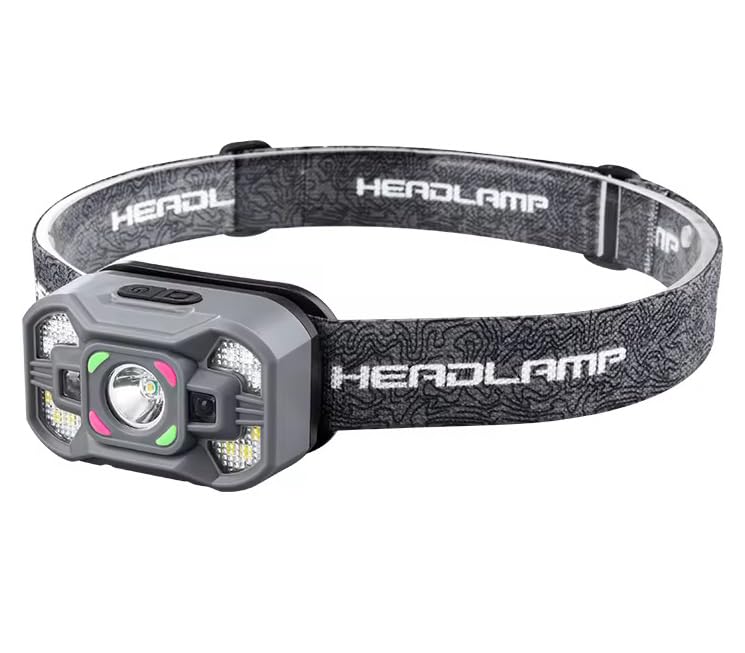
- ✅Hands-Free: Essential for early morning treks (3 AM) so you can use trekking poles freely.
- ✅High Brightness: Powerful beam that covers up to 100 meters clearly.
- ✅Weatherproof: Continues to work even during rain or heavy mist.
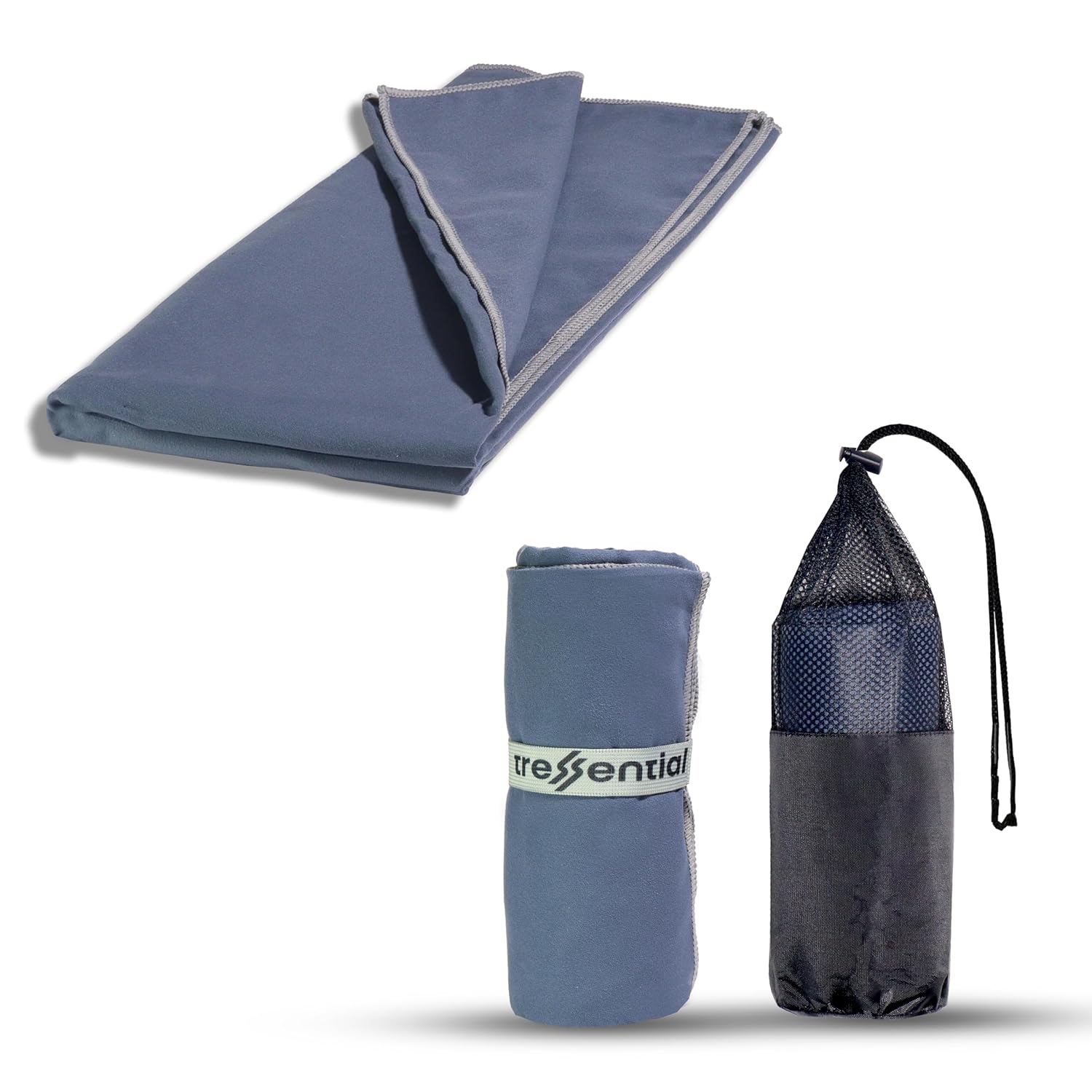
- ✅No Wet Smell: Dries in minutes so you don't carry a heavy, smelly towel in your bag.
- ✅Super Tiny: Folds into a small pouch, leaving more room for warm clothes.
- ✅Gentle: Ultra-soft fabric that is perfect for cold weather skin care.

- ✅High Altitude Protection: Himalayan sun is harsh and causes severe tanning & burns.
- ✅Non-Greasy: Doesn't feel oily while trekking or sweating.
- ✅Sweat Resistant: Stays on your skin even during high-intensity walking.

- ✅Dual Protection: Ponchos are good, but this ensures no water enters your bag.
- ✅Reflective Logo: Helps others see you in heavy mist or night treks.
- ✅Universal Fit: Fits perfectly on all 30L to 60L trekking backpacks.
2. Step-by-Step Guide to the Tourist Care Uttarakhand Portal
Navigating the official portal is the fastest way to secure your slot. Follow these steps carefully to generate your Yatra e-pass download.
Step 1: Account Creation
Visit the official site and click on “Register/Login”. You will need an active Indian mobile number to receive an OTP. Once verified, you can choose a category: Individual, Family, or Tour Operator.
Step 2: Creating Your “Tour”
A “Tour” is basically your itinerary. You will need to input your travel start and end dates. Crucial Tip: Your Kedarnath Darshan date must fall within these dates. If you are also visiting Badrinath or Tungnath, add them to the same tour to get a single consolidated pass.
Step 3: Adding Pilgrim Details
For every person in your group, you must upload:
- A clear passport-size photograph.
- A scanned copy of a Government ID (Aadhaar is preferred for instant OTP verification).
- Emergency contact details of someone not traveling with you.
Step 4: The QR Pass Generation
Once submitted, your dashboard will show a “Download Yatra Certificate” button. This PDF is your QR Pass. Save it on your phone, but always carry a physical printout. Phone batteries often die in the Himalayan cold.
3. The 2026 Biometric Update: Offline & Health Integration
If you aren’t tech-savvy, you can opt for biometric registration dates at physical counters. However, for 2026, the government has introduced a new layer of health monitoring called eSwasthya Dham.
Offline Registration Hubs
Major hubs for 2026 include:
- Haridwar: Railway Station and Pantdwari Parking.
- Rishikesh: ISBT and Hemkund Sahib Gurudwara.
- Sonprayag: The final checkpoint (Only for emergency/spot slots).
Health & ABHA Card Integration
While a medical certificate is not mandatory for everyone, pilgrims above 50 or those with pre-existing conditions are highly encouraged to link their ABHA (Ayushman Bharat Health Account). This allows doctors at the 20+ Medical Relief Posts along the trek to access your history instantly if you suffer from altitude sickness.
Pros and Cons of Registration Methods
| Method | Pros | Cons |
| Online Portal | Instant, book from home, guaranteed slot. | Requires stable internet; OTP delays. |
| Very easy for seniors; no app to download. | Limited editing options for group travel. | |
| Offline/Biometric | No tech needed; physical card issued. | 4-6 hour wait times; slots might be full. |
4. Expert Review: Tips for a Successful 2026 Yatra
I’ve analyzed the 2026 Yatra patterns, and the biggest hurdle this year isn’t the climb—it’s the registration slot.
The “Buffer Day” Strategy
Experts suggest booking your registration for at least 2 days after you reach Rishikesh. If there is a landslide or road blockage (common on the Char Dham All-Weather Road), you won’t miss your registered slot. If you miss your date, your QR code becomes invalid, and you must re-register.
Helicopter Booking Prerequisite
Note: You cannot book a helicopter via the IRCTC HeliYatra site without a valid Registration Number. Secure your QR pass first, then head to the heli-booking portal.
Expert Quote: “The 2026 season will see a ‘slot-first’ mentality. Don’t book your hotels or taxis until you have that QR code in your email. It’s the only thing that guarantees you entry into the valley.” — Kedar Yatra Consultant
5. Do’s and Don’ts for Kedarnath 2026
To keep your “Dream Trip Guide” journey respectful and safe, follow these ground rules.
The “Do” List
- Do carry a Power Bank: Cold drains batteries. You need your phone for the QR scan at checkpoints.
- Do Register 1 Month in Advance: Slots for May and June fill up within hours of opening.
- Do Keep the e-Pass in a Plastic Sleeve: Rain is unpredictable; a soggy QR code won’t scan.
- Do Acclimatize: Spend at least 24 hours in Guptkashi or Sonprayag before starting the 16km trek.
The “Don’t” List
- Don’t Buy Fake Passes: Scammers often sell “VIP entry” passes. Only the government portal is valid.
- Don’t Forget Your Physical ID: Checkpoints may ask for the original ID linked to your QR code.
- Don’t Rush the Trek: Oxygen levels at Kedarnath (11,755 ft) are significantly lower.
- Don’t Ignore Weather Alerts: If the registration portal sends a “Yatra Suspended” SMS due to snow, stay where you are.
Summary Table: Checklist for Your QR Pass
| Item | Status | Action Required |
| Aadhaar/Passport | Ready | Scan both sides clearly. |
| Passport Photo | Ready | Keep under 1MB in size. |
| Mobile Number | Ready | Must be linked to Aadhaar for OTP. |
| Darshan Date | Decided | Check opening dates (April 22). |
| Printout | Mandatory | Carry 2 hard copies per person. |
By following this Kedarnath registration 2026 guide, you are already halfway to the temple. Secure your slot early, pack your woolens, and get ready for the most spiritual adventure of your life.
👉 Also Read – Book Kedarnath Package
